

How ToffeeX’s Parametric Study Lets You Map the Solution Space and Find the Right Design Faster
Every topology optimization run answers one question: “Given these parameters, what is the best design?”
But that question hides a deeper one.
Which parameters should you use in the first place?
If you’ve ever run an optimization and wondered whether you weighted your objectives correctly, or whether a slightly different solid volume fraction would have changed everything, you already know the problem.
You end up running multiple individual jobs, renaming files manually, trying to compare results that were never set up to be compared, and losing track of what changed and why.
ToffeeX introduces a cleaner answer: Parametric Study.
Explore the Solution Space Systematically
A Parametric Study in ToffeeX lets you define a range of values for a chosen design parameter and generate multiple optimization runs, all within a single framework.
Each run is automatically named after the parameter and its value. If you’re sweeping the weight of a pressure objective, your runs are named PL-w=0.2, PL-w=0.5, PL-w=0.8. If you’re varying the Solid Volume Fraction, they appear as SVF=0.3, SVF=0.5, and so on. The naming is built in to make everything smooth and avoid naming mistakes (we’ve been there a few times before…).
All runs are grouped inside a dedicated folder in the Runs Panel, so your workspace stays organized even when you’re running multiple studies across a project.
How It Works
Setting up a Parametric Study takes a few steps:

- Complete a run with all the objectives and design parameters you need. This is the reference point your study branches from.
- Click the breadcrumb icon next to the completed run to initialize a new Parametric Study.
- Give the study a name — this becomes the folder label in the Runs Panel.
- Select the parameter you want to study from the dropdown. You can modify only design parameters that were already active in the parent run.
- Assign values — either as a custom list or as a range with a lower and upper bound. Choose between linear or logarithmic sampling depending on the sensitivity of your parameter.
- Launch — run all jobs simultaneously with a single click, or trigger them individually. ToffeeX will use the same core count for each run, and queue any that exceed your account’s CPU limit automatically.
A Concrete Example: Balancing Thermal and Pressure Objectives
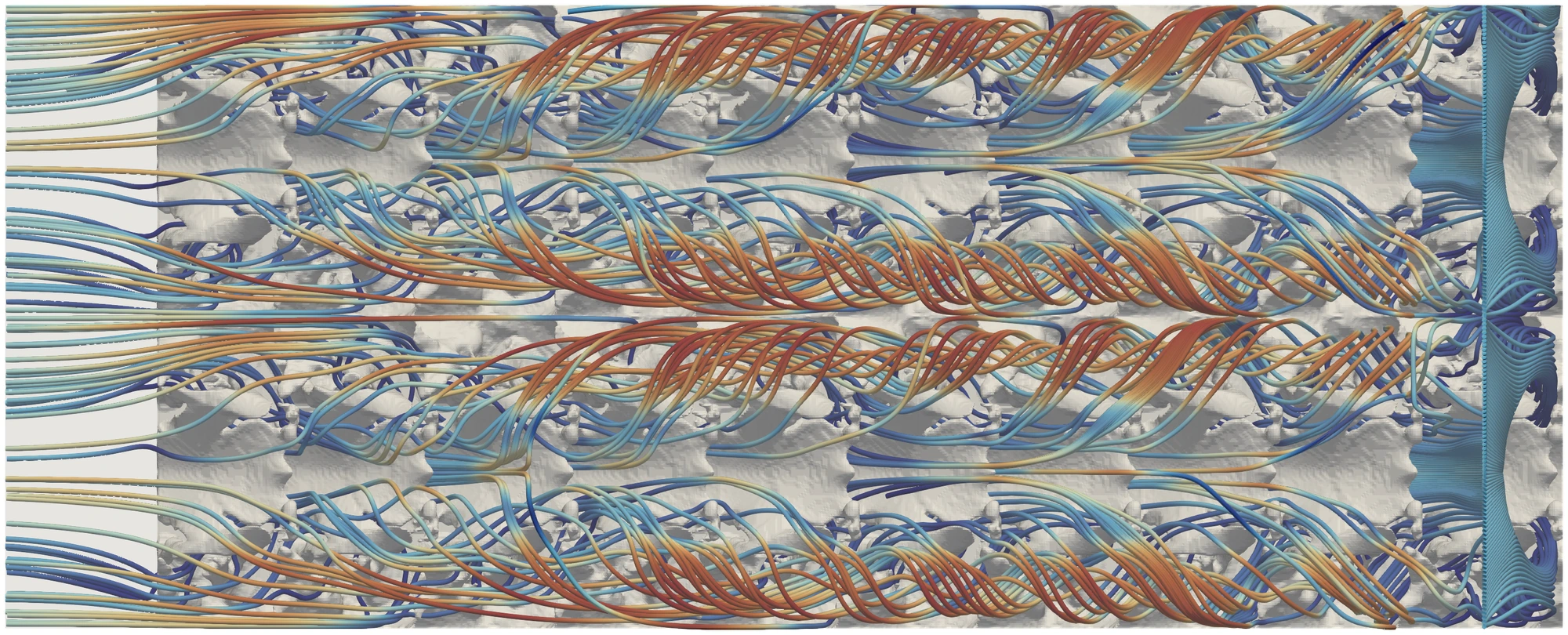
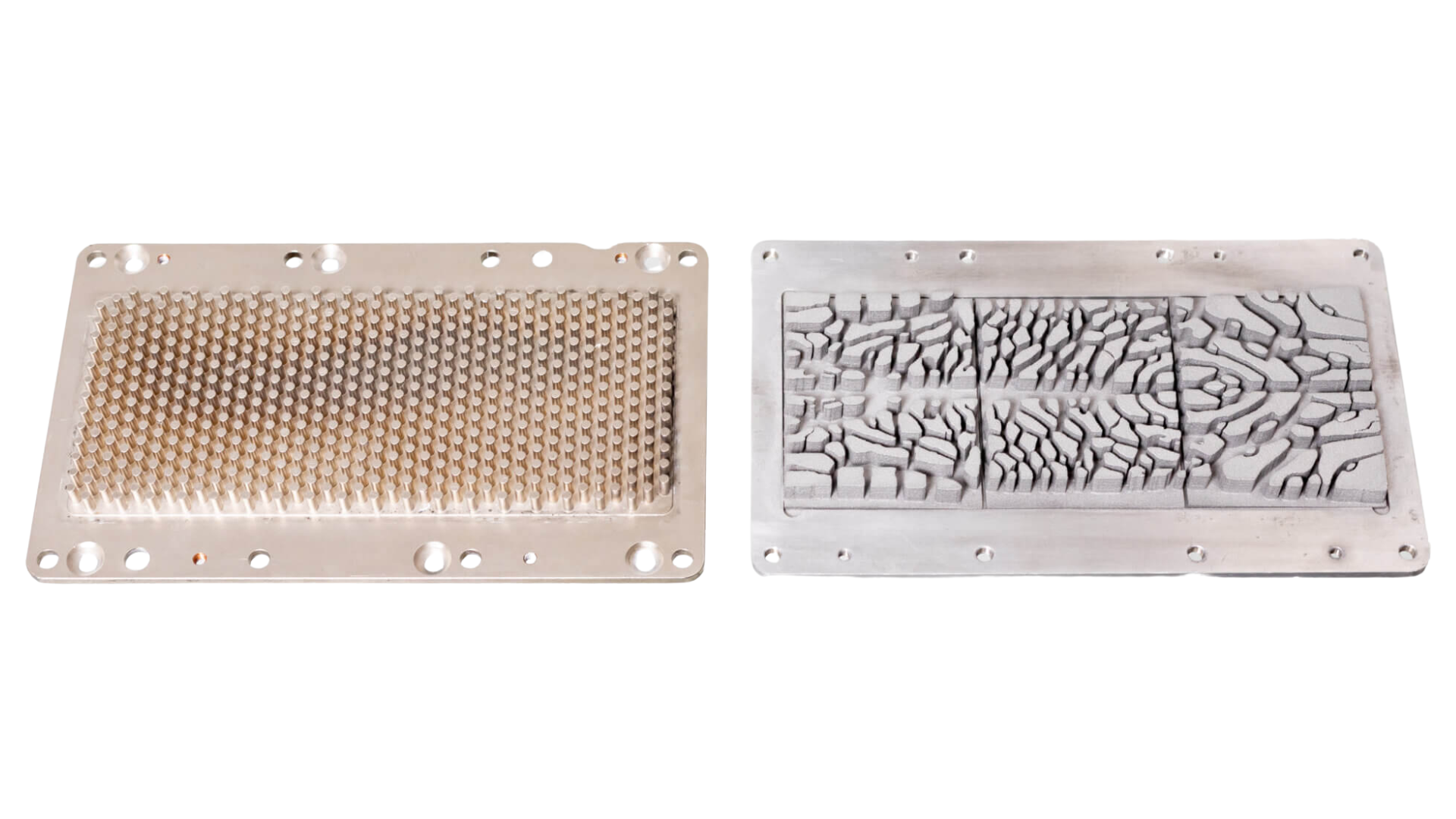
Imagine you’re optimizing a liquid-cooled heat sink (like the one we optimize in our webinar series) with two competing objectives: minimize pressure drop and minimize temperature. The relative weight you assign to each objective will fundamentally shape the outcome.
With a Parametric Study, you sweep the pressure objective weight in several runs and let ToffeeX launch them in parallel.
What comes back isn’t just multiple designs. It’s a performance map.


You can immediately see which weight ratio delivers the best trade-off for your specific application. You understand how sensitive the design is to that parameter. And you have a defensible, documented rationale for the configuration you select.
Why This Matters for Your Workflow
Calibrate confidently, not iteratively
The hardest part of multi-objective optimization is often setting up the right objective weights before you know what the output will look like. Parametric Study removes that chicken-and-egg problem. You explore first, then commit.
Parallel execution, no wasted time
All runs in a study launch simultaneously: you’re not waiting for run one to finish before starting run two. Your compute time stays the same; your insight multiplies.
A foundation for deeper exploration
The best result from a Parametric Study becomes the starting point for your next level of refinement. Duplicate it, adjust further, and iterate without losing the context of where you came from.
Single-run optimization gives you an answer.
Parametric Study gives you understanding.
ToffeeX is built to give engineers both. Physics-driven results you can trust, presented in a framework that builds real design intelligence over time.